FR French
RU Russian
IT Italian
CN Chinese
ES Spanish
CS Czech
PL Polish
SA Arabic
JP Japanese
DE German
US English (US)
PT Portuguese
Back to homepage

Contact Us

If you still have questions or prefer to get help directly from an agent, please submit a request.
We’ll get back to you as soon as possible.

Please fill out the contact form below and we will reply as soon as possible.

  • Contact Us
Chinese
FR French
RU Russian
IT Italian
CN Chinese
ES Spanish
CS Czech
PL Polish
SA Arabic
JP Japanese
DE German
US English (US)
PT Portuguese
  • Home
  • 熊猫教程
  • 软件特色

颜色

Written by Zhi Peng Zhang

Updated at January 5th, 2024

Contact Us

If you still have questions or prefer to get help directly from an agent, please submit a request.
We’ll get back to you as soon as possible.

Please fill out the contact form below and we will reply as soon as possible.

  • 开始使用
    软件下载 目录
  • 云
    扫描仪管理 案例预览与分享 案例储存
  • Training Videos
    QUICK START SOFTWARE FUNCTIONS CASE SCAN PANDA APP MAINTENANCE & CLEANING
  • 熊猫教程
    软件特色 扫描视频
  • 故障排除
  • 常问问题
+ More

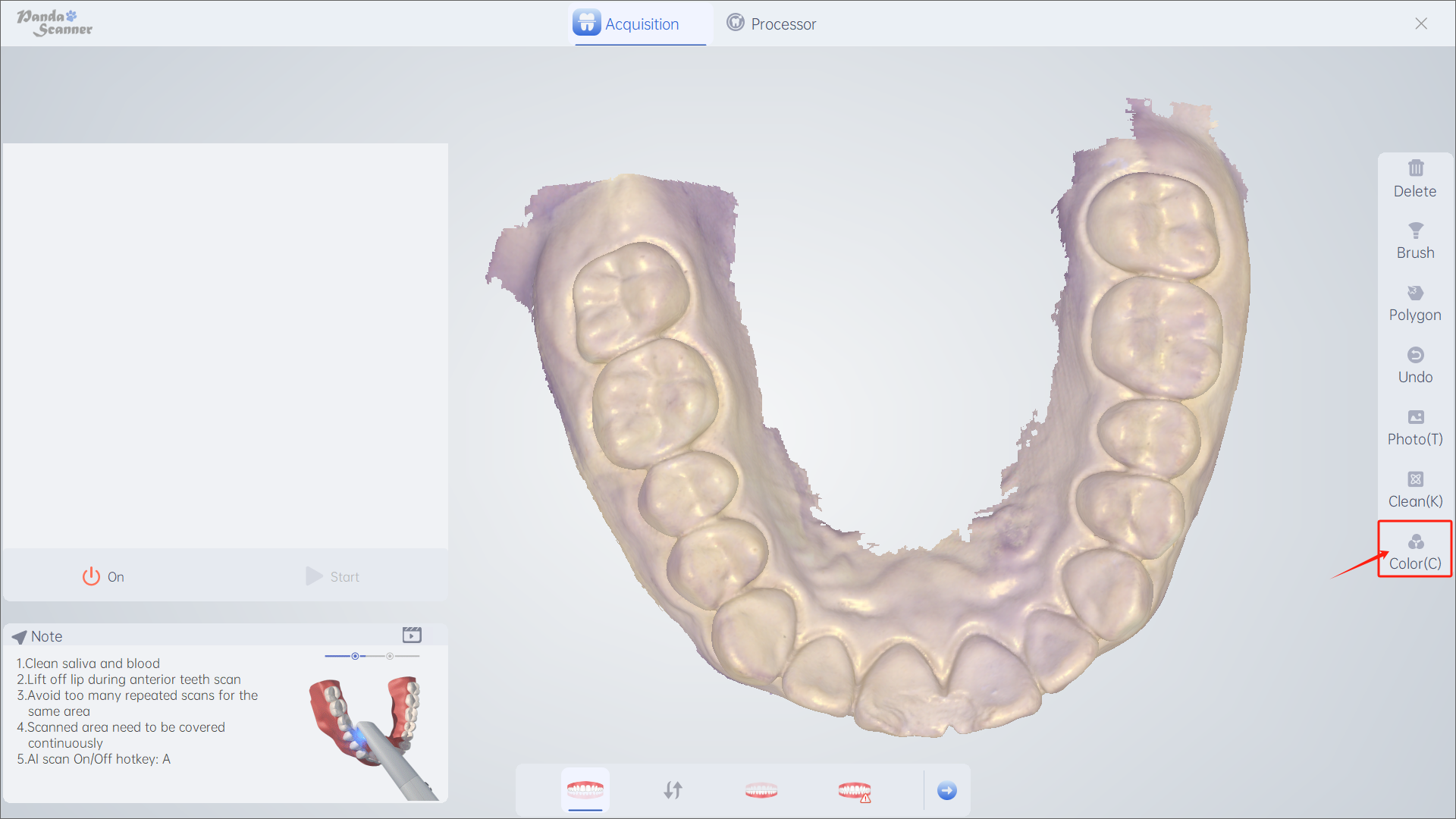
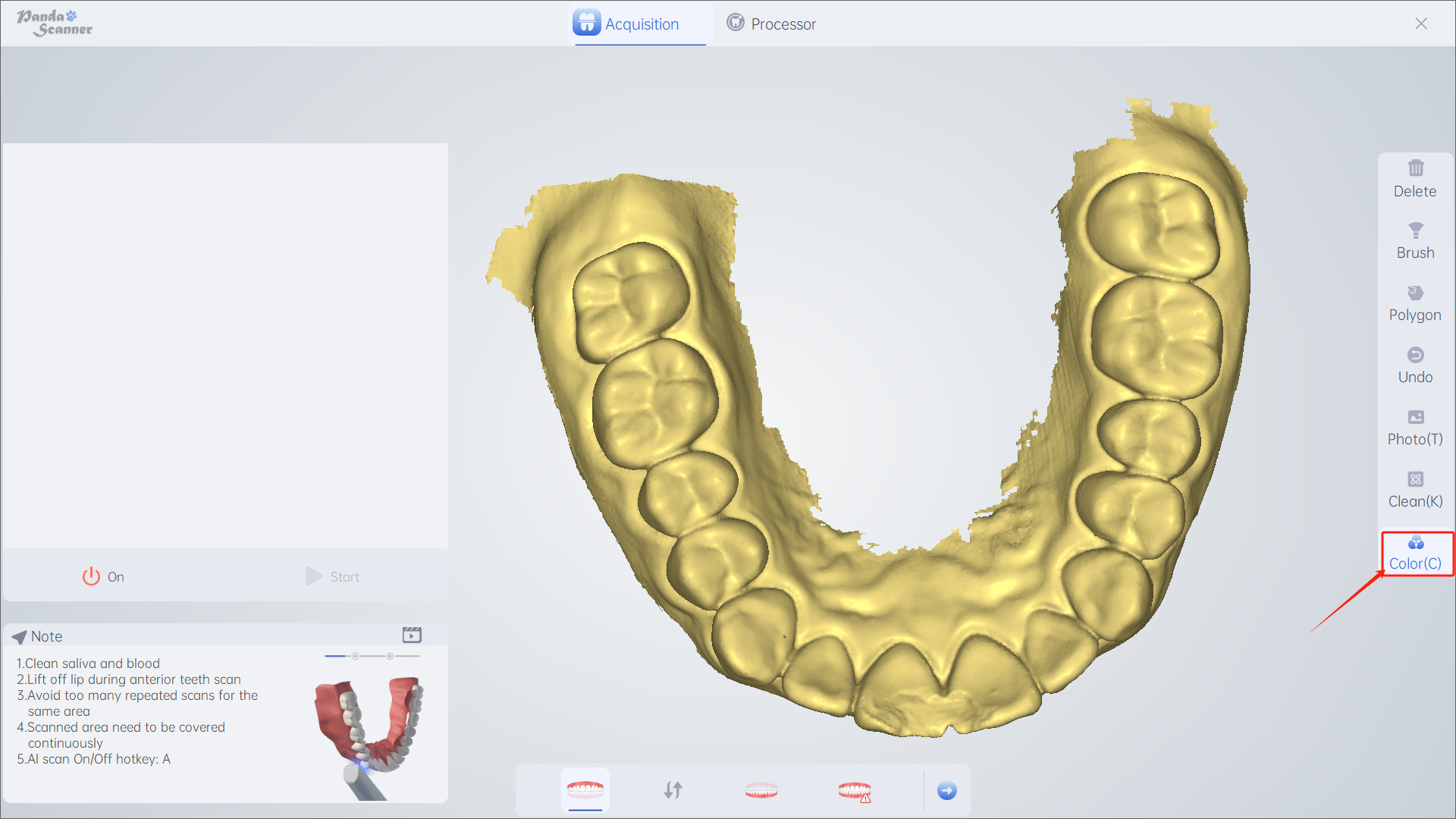
简介:将模型变成石膏色。

使用时机:用于扫描后的数据检验,检查数据是否合格。

使用方法:点击暂停/停止——点击颜色/键“C”——再次点击取消

Was this article helpful?

Yes
No
Give feedback about this article

Related Articles

  • 删除
  • 笔刷
  • 圈选
  • 恢复
  • 清理

Copyright 2026 – Panda Scanner.

Knowledge Base Software by Helpjuice

Expand