Add user
How to add users

Table of Contents
What is Add User?
Add User allows you to share your scanner with other users while keeping access to the scanner in your own account.
You can decide who can use the scanner and how long they can use it. You can also continue using the scanner in your own account at the same time.
When to Use Add User?
This function is useful when you want to:
- Share your scanner with a clinic or another user temporarily.
- Allow multiple users to use the same scanner.
- Set a specific period of access for each user.
- Keep using the scanner in your own account while it is shared with another user.
How to Add a User
login the cloud,find DEVICES,click add user
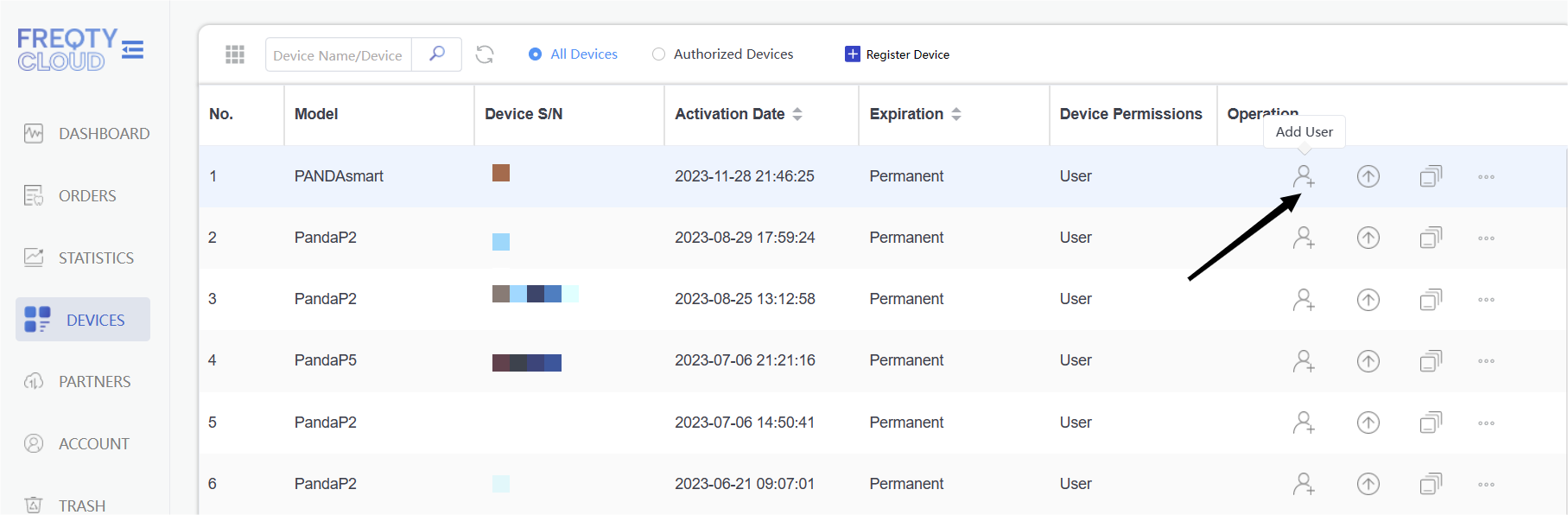
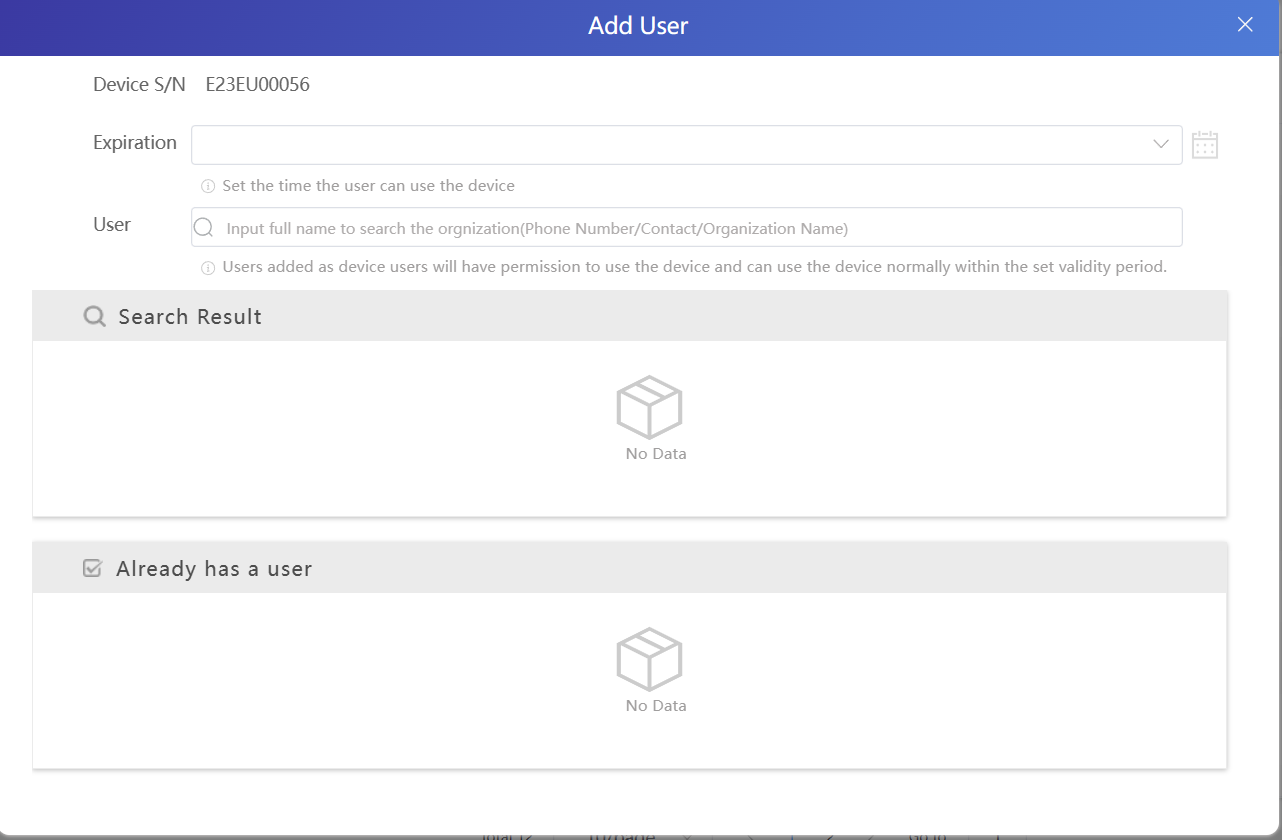
If you are using the V2 PandaCenter software,you can directly add the user in the software.

